Three ways to learn

Start with touch.Go deeper with code.

The route is not fixed by age alone. Choose from color snaps, Scratch and Python according to the learner's experience, the purpose and the available devices.

Scratch connected to Smart Train on a track

One product, deeper questions

Keep the train.
Change the question.

Start by placing a color and running the train. Then change speed, create a branch, add a sensor condition or coordinate multiple vehicles. The physical platform stays familiar while the question becomes more complex.

The three routes are not a compulsory sequence. A class can use only color snaps, begin with Scratch, or return from code to the physical track whenever that serves the activity.

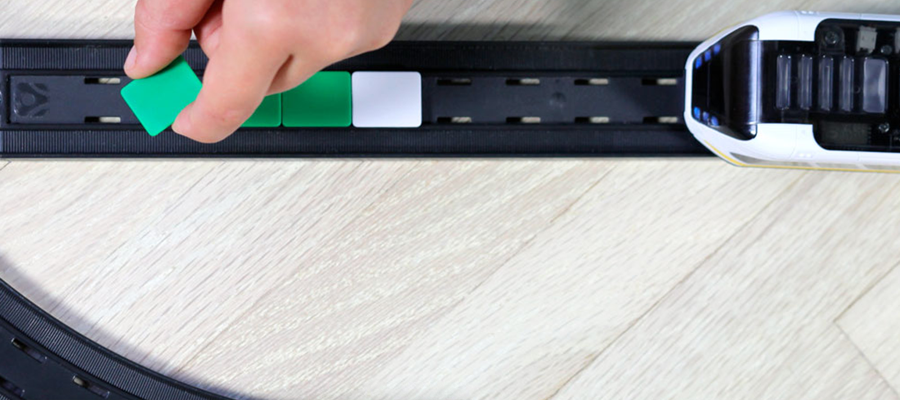
Color snaps placed on the track to control Smart Train

Place colors on the track to shape the movement

Learning route 1

Colored pieces placed on the track

Color Snaps

The train reads colors on the track and turns them into actions such as stopping or changing speed.

  • Connect color and movement
  • Plan the order of actions
  • Observe and reposition
Practical guide
From age 5, with appropriate adult support
Required environment
Train, track and color snaps
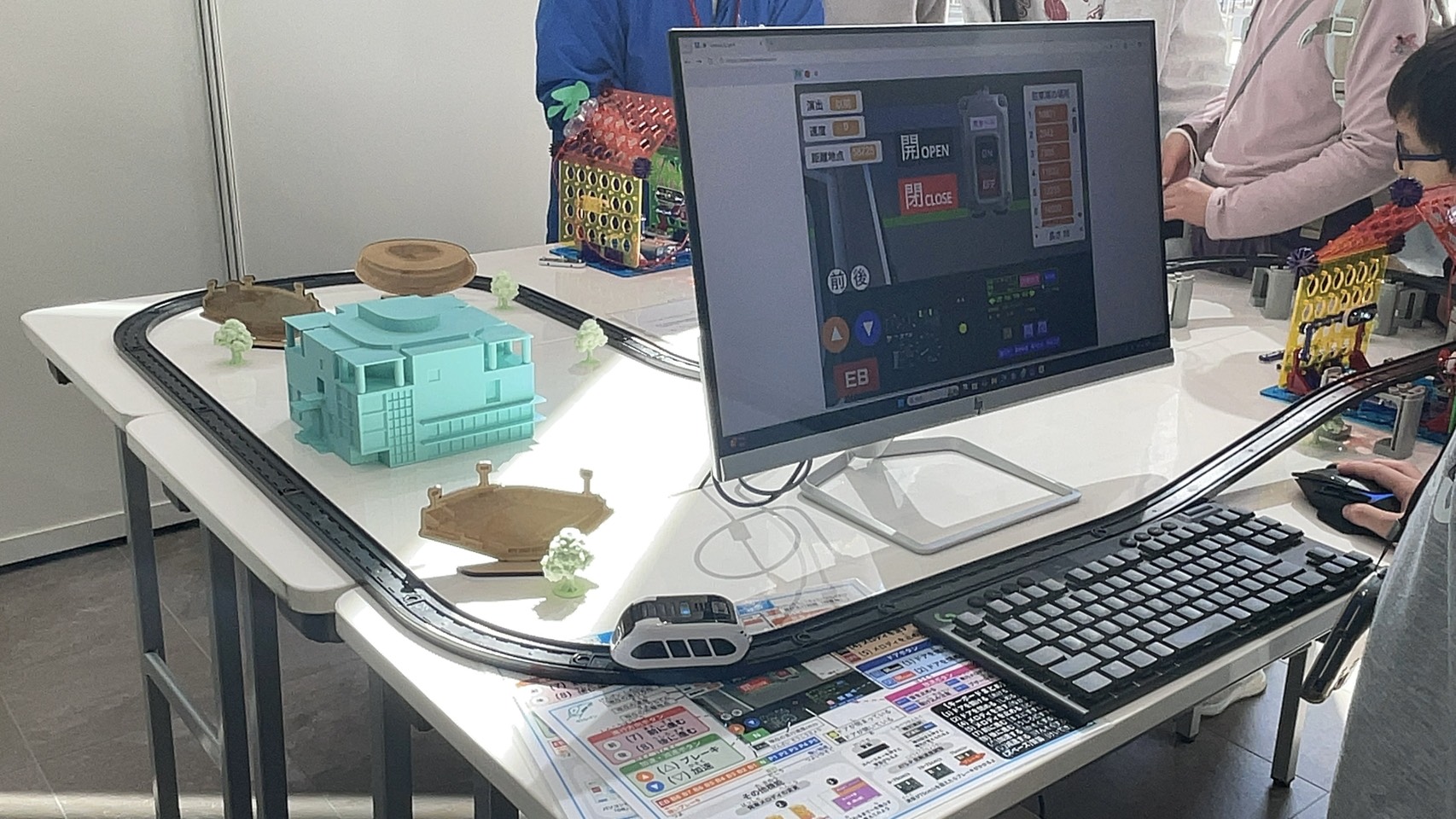
A Scratch interface connected to Smart Train on a physical track

Build on screen, then test it with a real train

Learning route 2

Build with visual blocks

Scratch

Connect blocks to control movement, lights and sensor-triggered actions, then test the program with the real train.

  • Use numbers for speed and distance
  • React to colors and track events
  • Combine multiple behaviors
Practical guide
For learners comfortable with basic device operation
Required environment
A compatible computer with Chrome, or the supported iPad app
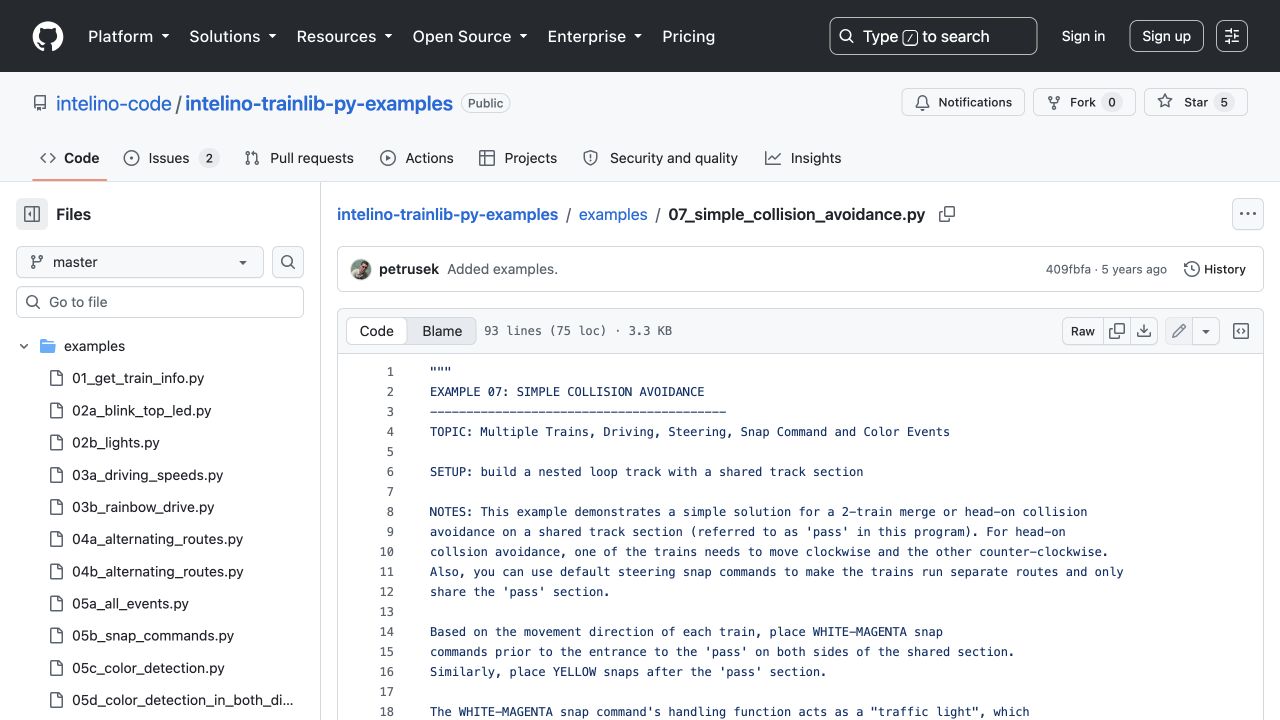
Official Python sample code for controlling Smart Train

Move from sample code to precise control

Learning route 3

Write code

Python

Use the official library to work with sensors, travel distance and multiple trains in greater detail.

  • Receive sensor events
  • Control speed and distance
  • Explore automation and collision avoidance
Practical guide
For learners comfortable using a computer
Required environment
Bluetooth 4.0+ on Windows 10, macOS or Linux

Before purchase or adoption

Check devices
and connectivity.

Scratch and Python depend on the device, browser, Bluetooth environment and—in schools—network restrictions. Confirm these before buying multiple units.

1Color Snaps

Core activities can begin without a screen.

2Scratch

Google Chrome is recommended for the web version; a supported iPad app is also available.

3Python

The official library supports Bluetooth 4.0+ on Windows 10, macOS and Linux.

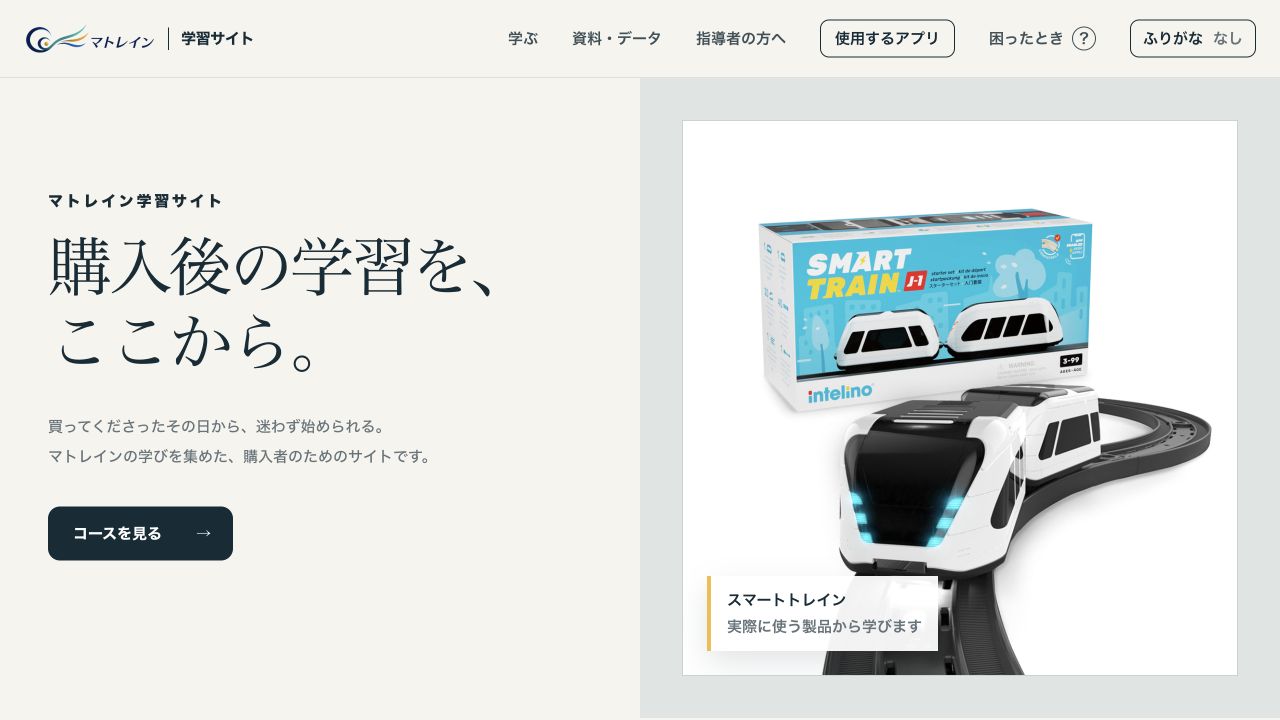
Japanese guide after purchase

From setup
to the next challenge.

Matrain's Japanese learning site covers first-time setup, color snaps, Scratch, Python, printable resources and troubleshooting.

  • Photo-based operating steps
  • Home, classroom and instructor paths
  • Printable worksheets and lesson resources
  • App setup and troubleshooting
View the Japanese guide
Actual screen of Matrain's Japanese learning guideOpen guide ↗

Choose your context

Continue with the
information you need.