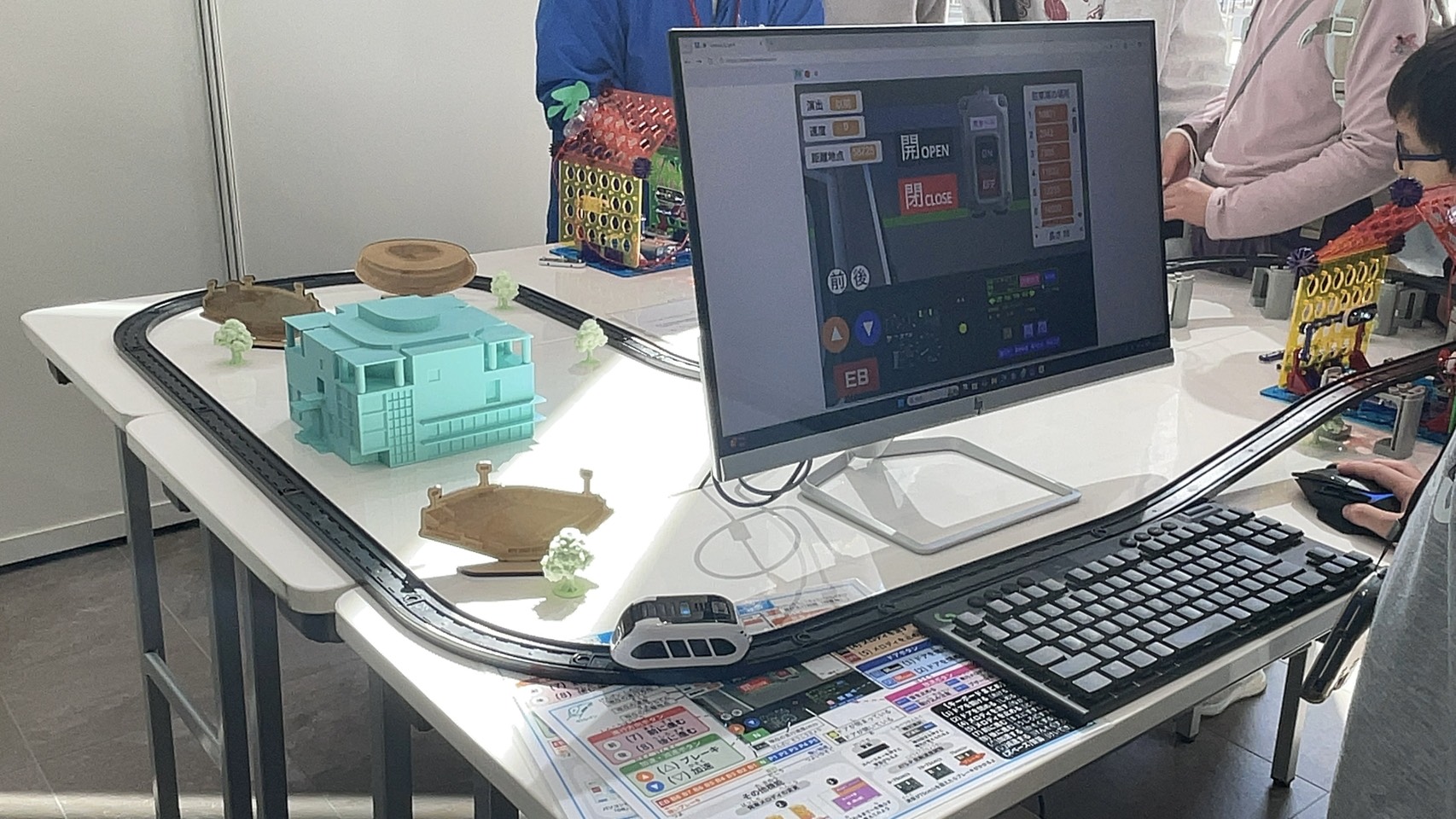
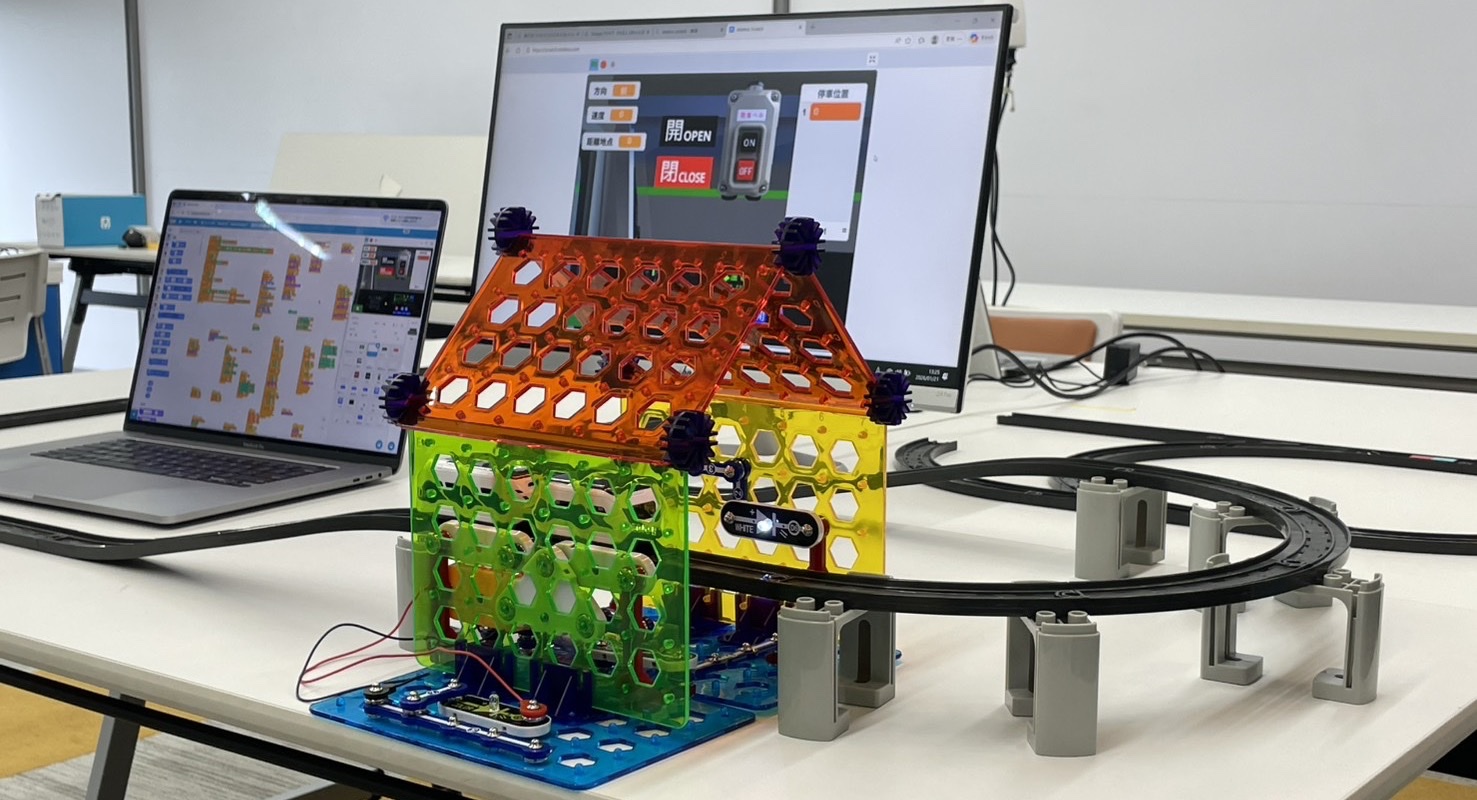
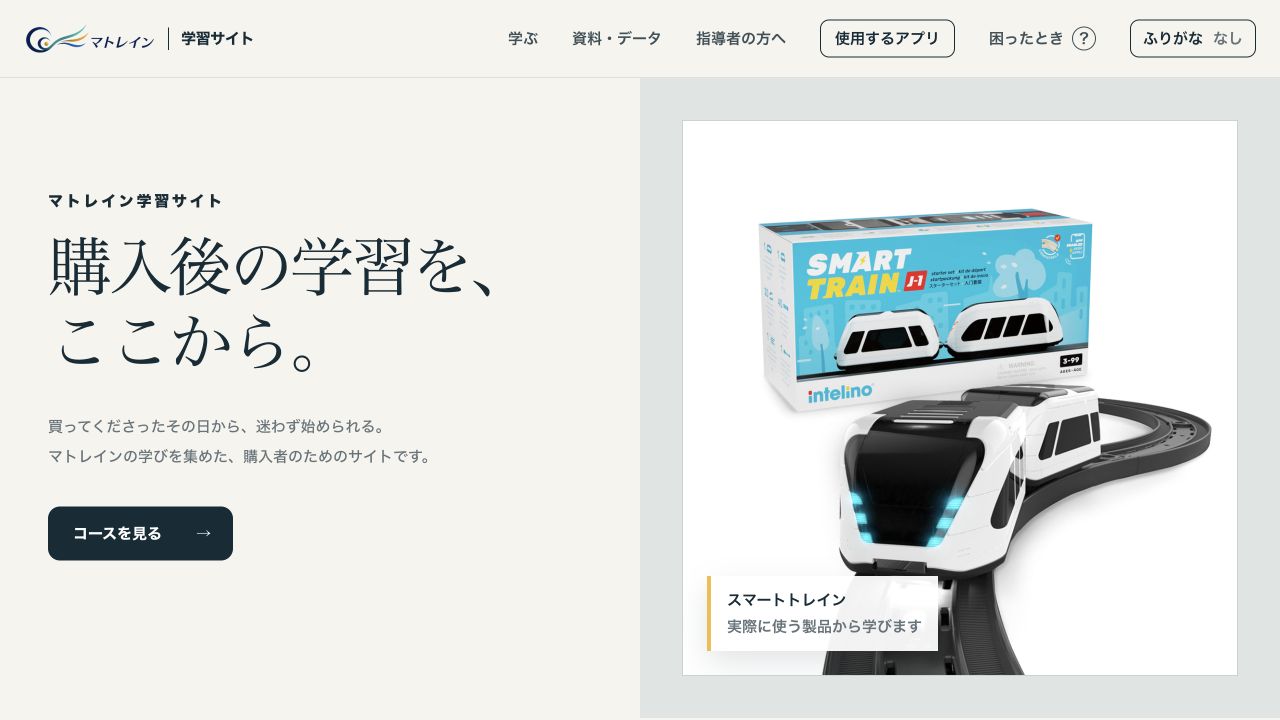
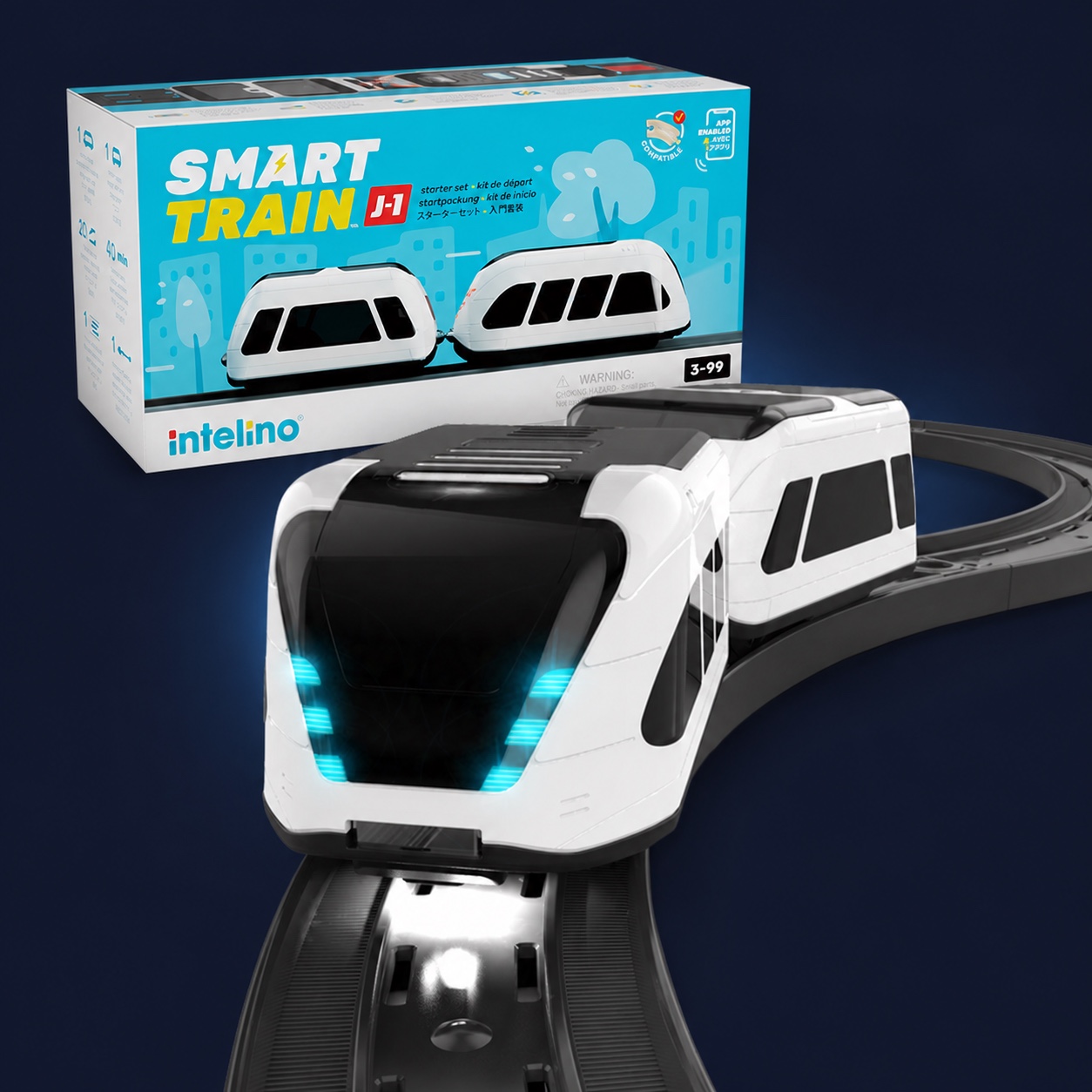
Build a track. Place a color snap. Run the train, observe what happens, then change it. Smart Train turns a learner's idea into the movement of a real train—and makes “think, test, check” visible.
Change the track. Move a color snap. Change one line of code. Instead of watching an answer, learners can test their own thinking with a physical result.
1
Think
Decide where the train should stop, turn or change speed.
2
Build the behavior
Place color snaps, connect Scratch blocks or write Python.
3
Check the movement
If the result is different from the prediction, change it and run again.
The same train can be controlled without a screen, with visual blocks or with code. The routes can be used independently or combined.
Place colors on the track to shape the movement
1 / Without a screen
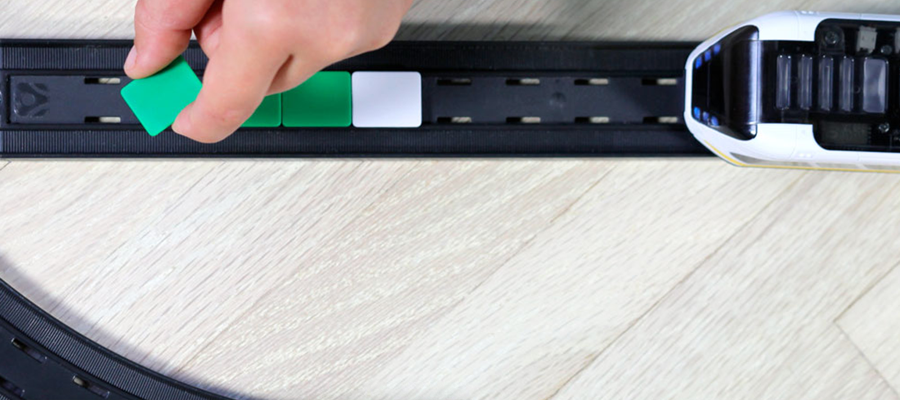
Color Snaps
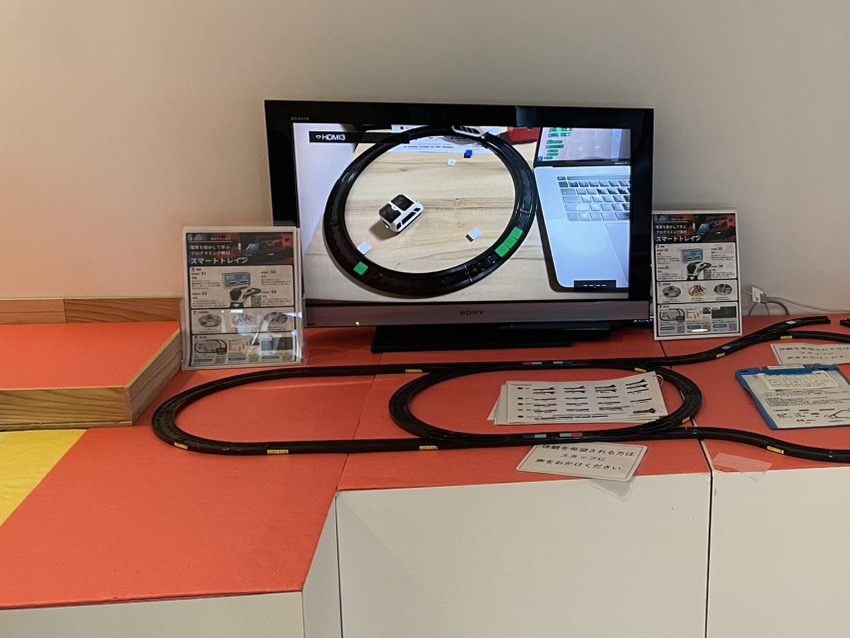
Place colored pieces on the track. The train reads them and changes speed, stops or responds in other ways. Move a piece, run the train again and see the result immediately.
Build on screen, then test it with a real train
2 / With visual blocks
Scratch
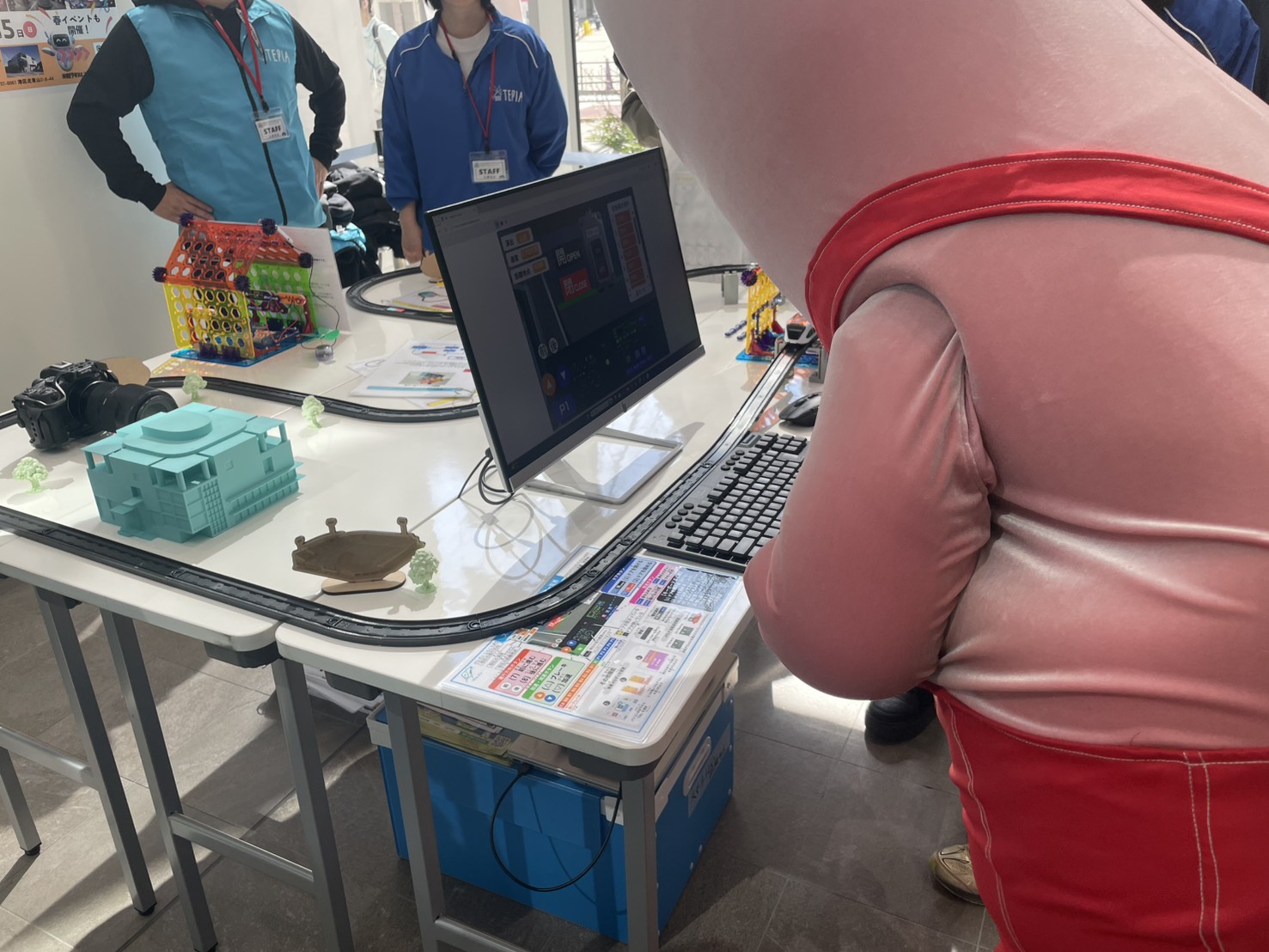
Control speed, stopping, routing and lights with blocks. What students build on screen becomes the movement of a physical train.
Move from sample code to precise control
3 / With code
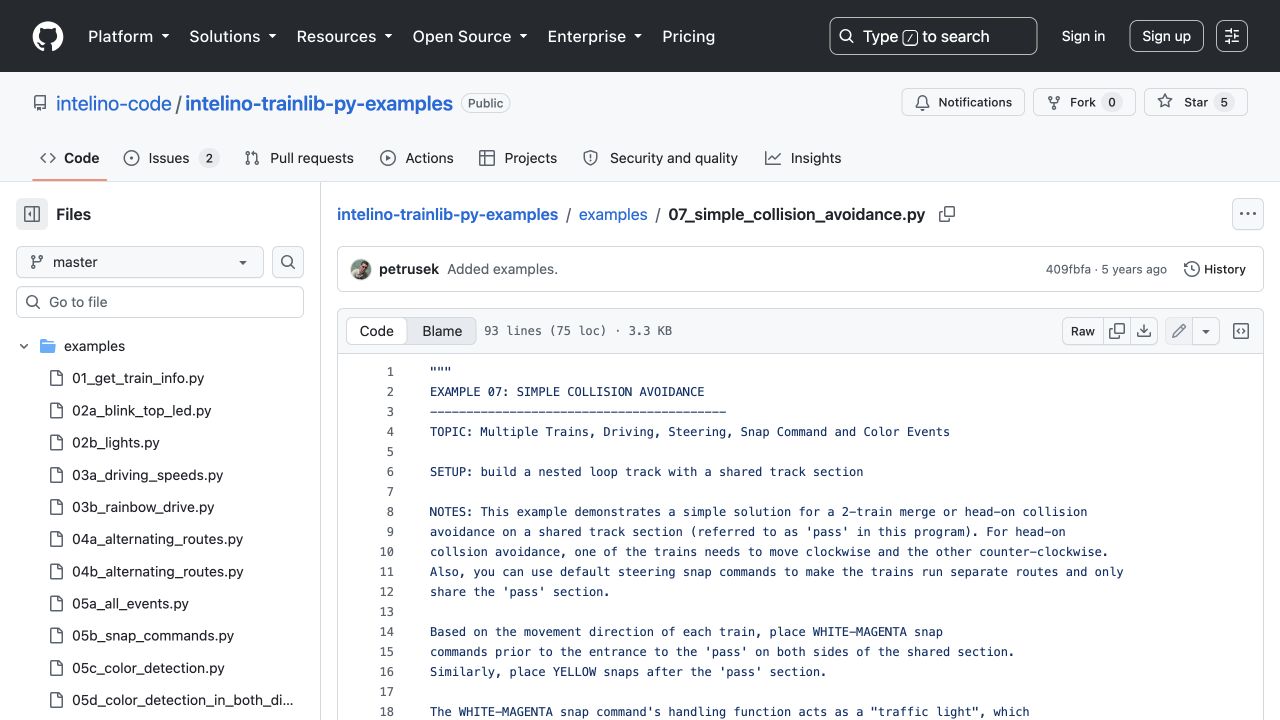
Python
Work with sensors, travel distance and multiple trains from code. The same vehicle can support deeper experiments such as automation and collision avoidance.
The Japanese learning site covers setup, color snaps, Scratch, Python, printable resources and troubleshooting. Anyone can review it before purchase and use it after the product arrives.
What the Starter Set includes—and what it does not.
This is not a low-cost toy. Before buying, you can check the set contents, device requirements, free software, support boundaries and return conditions.
In the box
Powered train, wagon, 20 track pieces, 40 color snaps and more
Included software
Apps, Scratch tools, Python library and Japanese learning guide
Support
Learning information and initial-defect handling; private instruction is not included